Racketlovers logoRacketlovers
How it works

How Racketlovers Works

From setting up your match to sharing the final result, see how Racketlovers keeps every step of match day in one place — tennis and padel, singles and doubles.

Watch the full walkthrough, or jump straight to a step.

Product walkthrough

See the full match flow

1:53
Step-by-step guide

Five steps, from first serve to final post

The walkthrough moves fast. Here is the same flow in writing, with the screen you'll see at every stage.

Step 01

Set your match up in advance

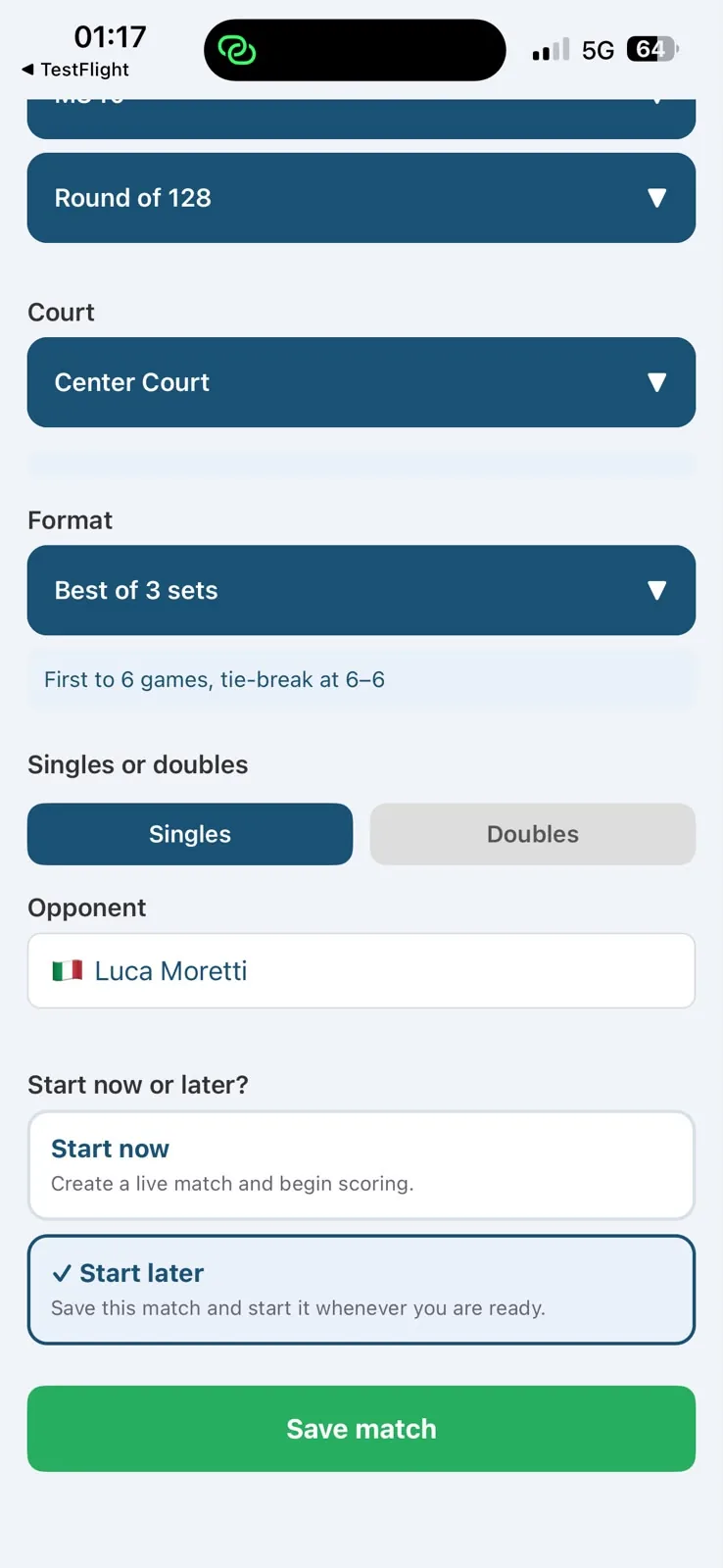
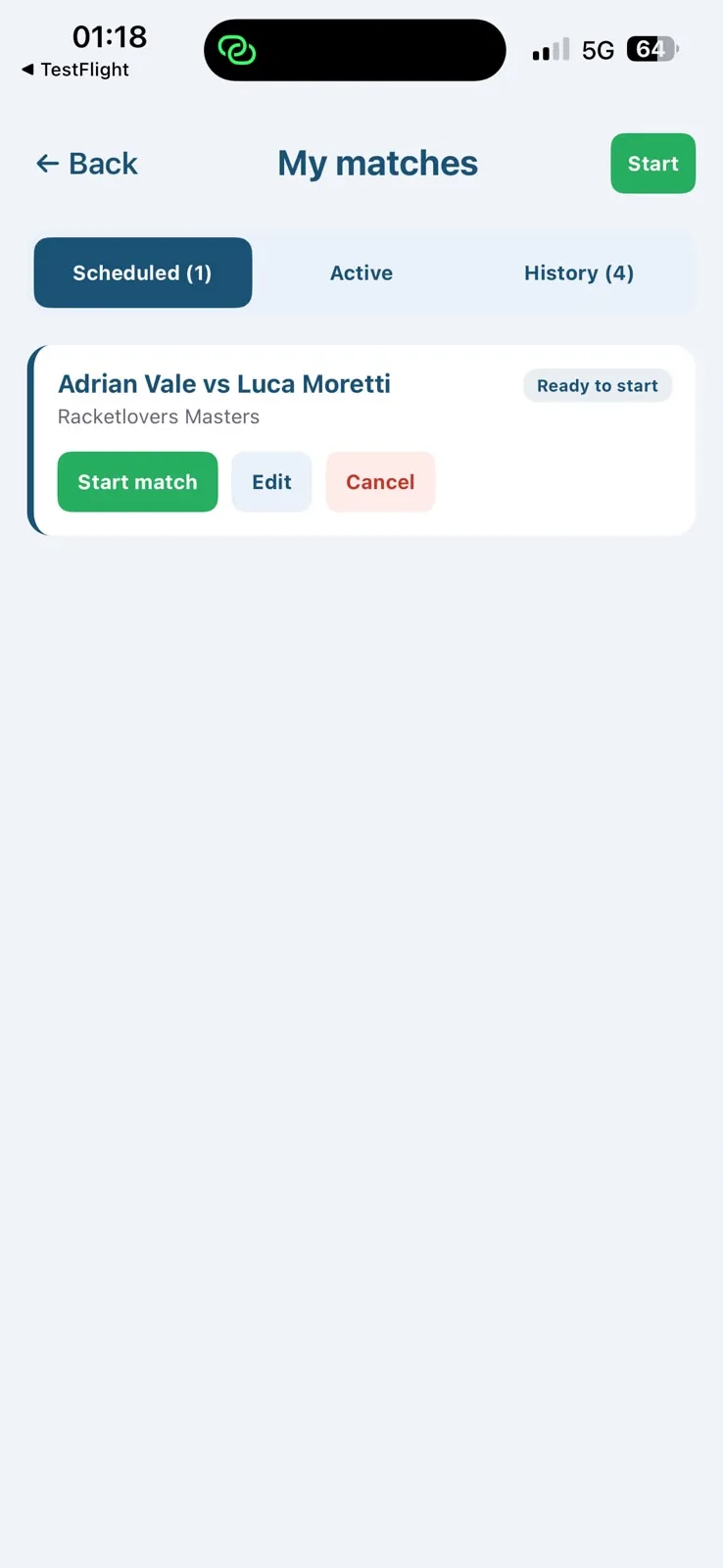
Find your tournament in the list, or create it if it isn't there. Playing socially? Choose Friendly instead. Then set your age category, round, court, format and singles or doubles. Tap Start Later to park it — on match day, all you do is press Start Match.

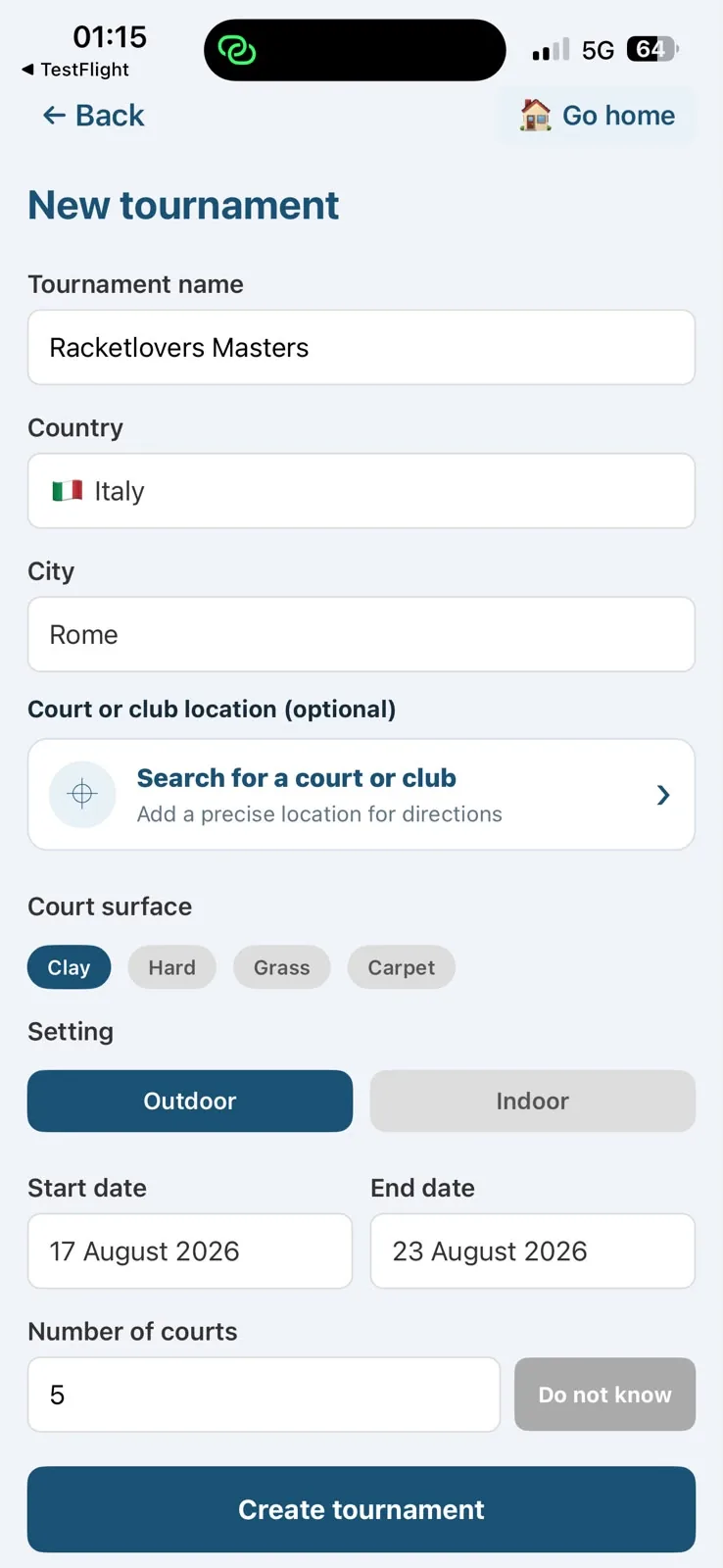
Can't find the tournament? Create it with the tournament name, country, city and court information, then carry on setting up your match.
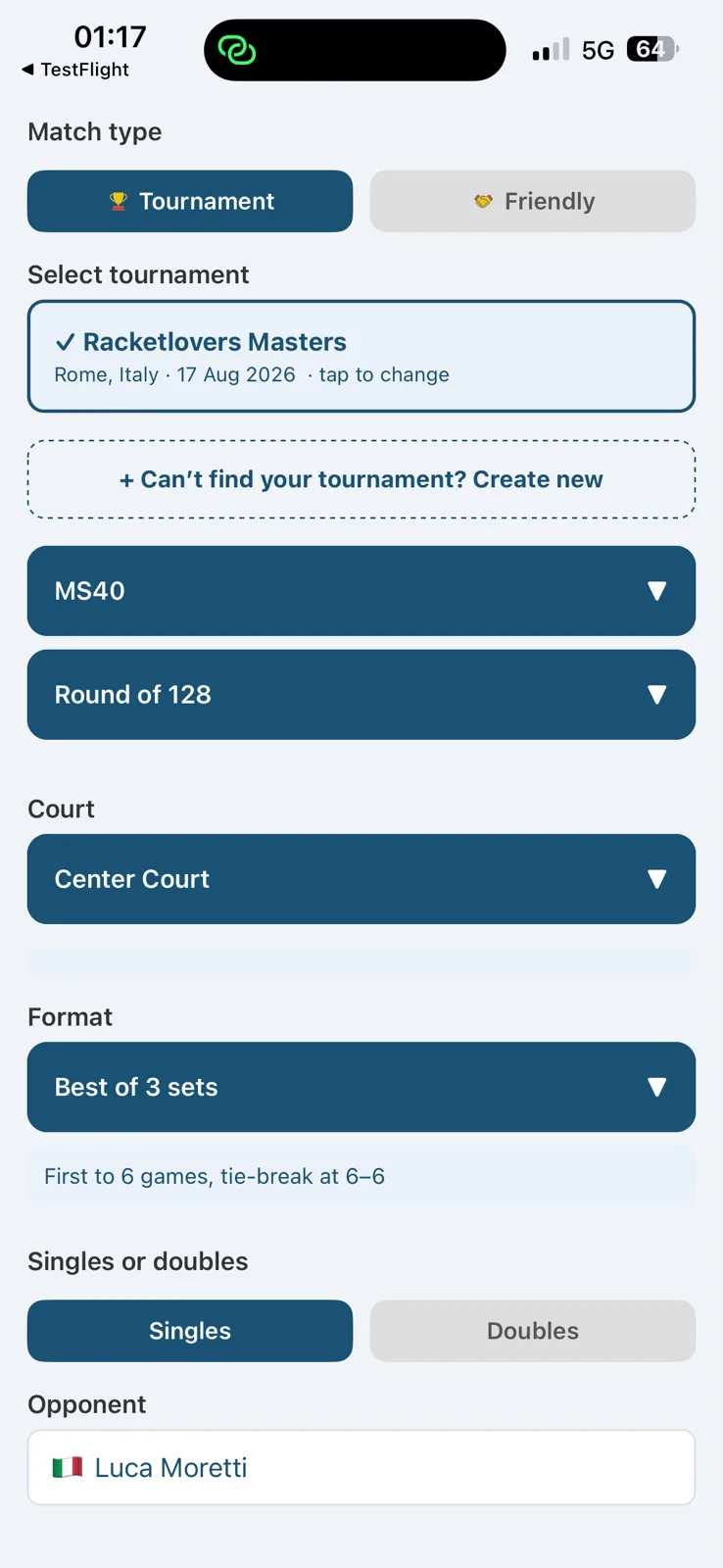
Racketlovers match setup screen with the tournament selected, MS40 age category, Round of 128, Center Court, Best of 3 sets and singles
New tournament form in Racketlovers with tournament name, country, city, court surface, setting and dates
Start now or Start later options at the bottom of the Racketlovers match setup screen
My matches screen in Racketlovers showing a scheduled match with a Start match button
Step 02

Add any opponent

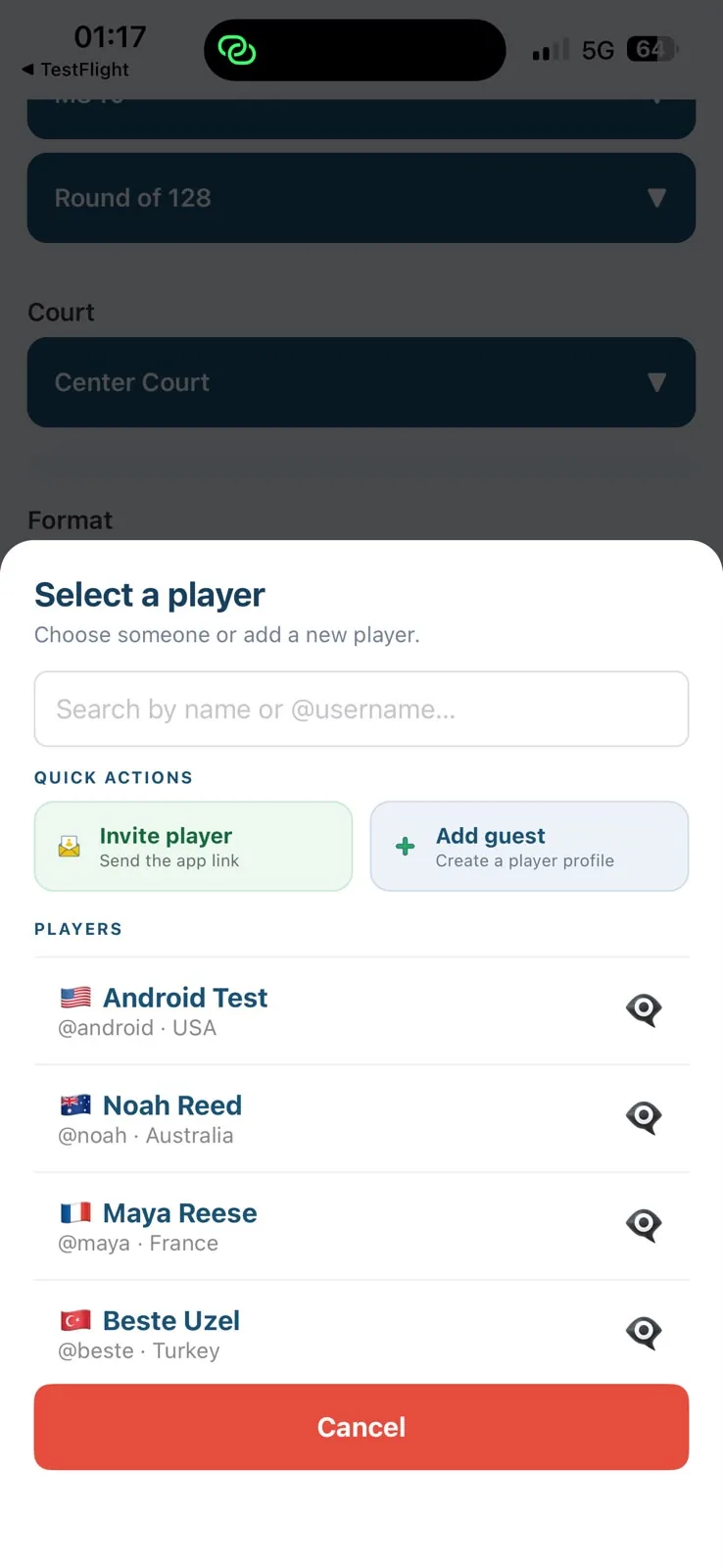
Search for a registered player, invite a friend with a link, or create a guest profile.

If they join Racketlovers later, they claim the guest profile — and every match you played together comes with it.

Select a player sheet in Racketlovers with search by name or username, Invite player and Add guest options above the player list
No account required

Your opponent doesn't need an account.

Step 04

Score as you play

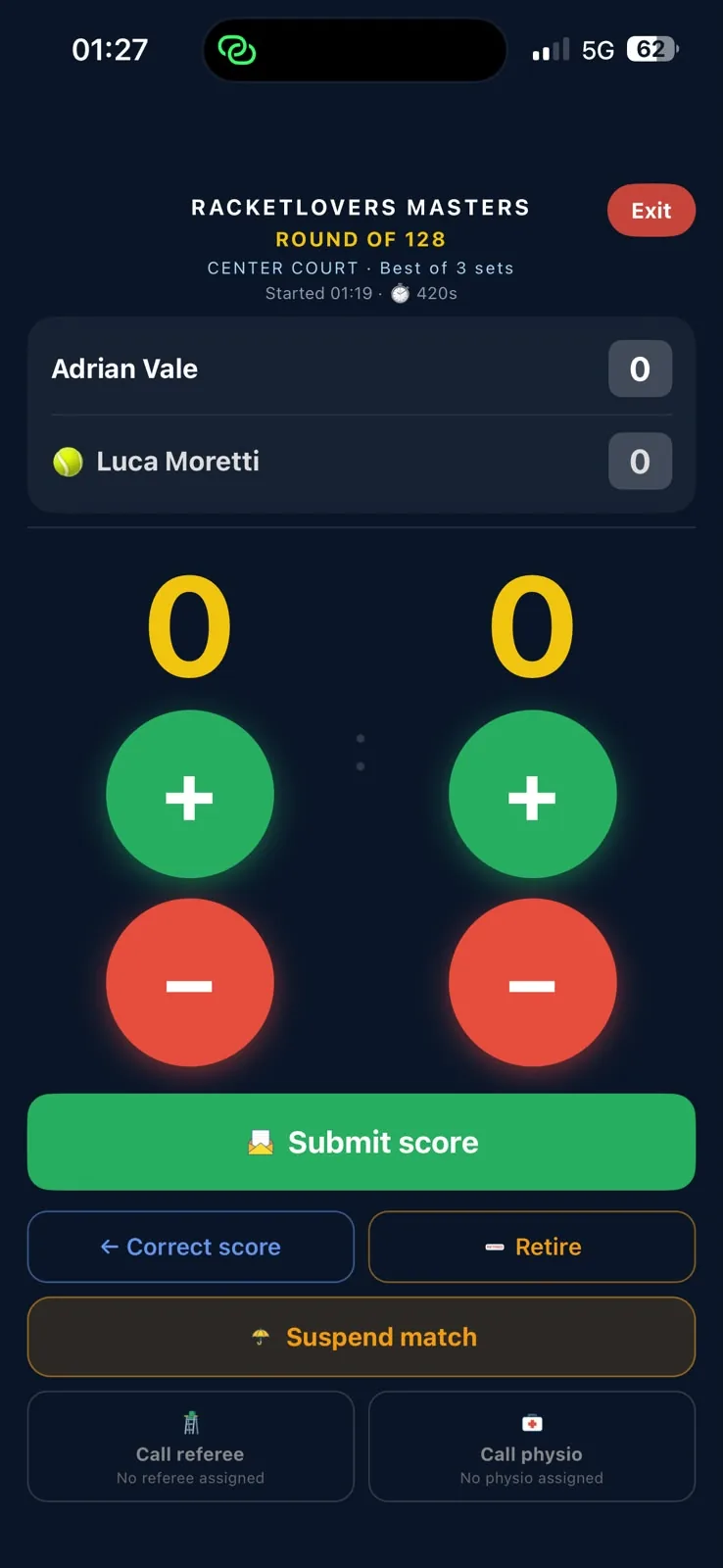
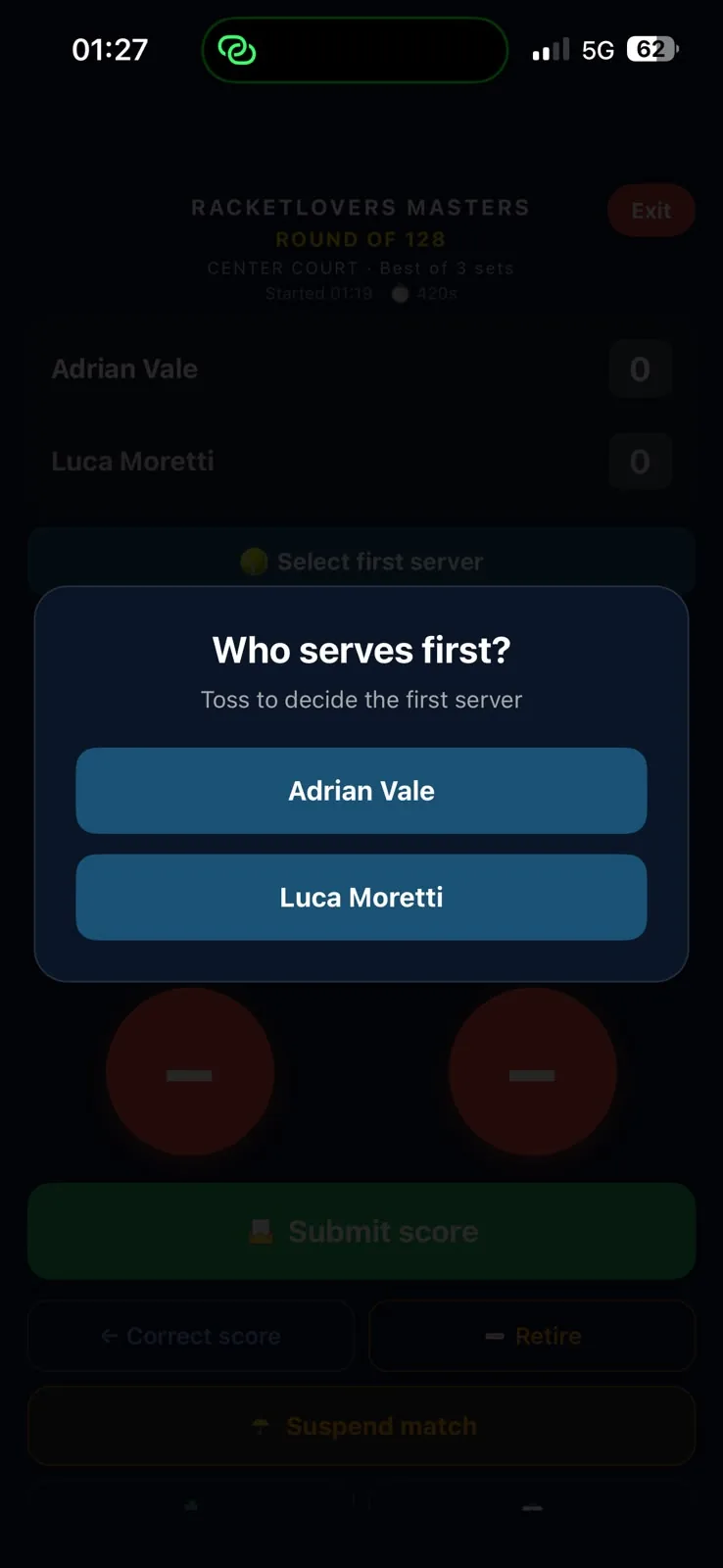
Choose the first server, then tap the score at every changeover. Submit the score and your opponent confirms it — if there's no objection it confirms automatically, and the result appears live on the home page.

Racketlovers live scoring screen with plus and minus buttons for each player, Submit score, Correct score, Retire, Suspend match and referee and physio calls

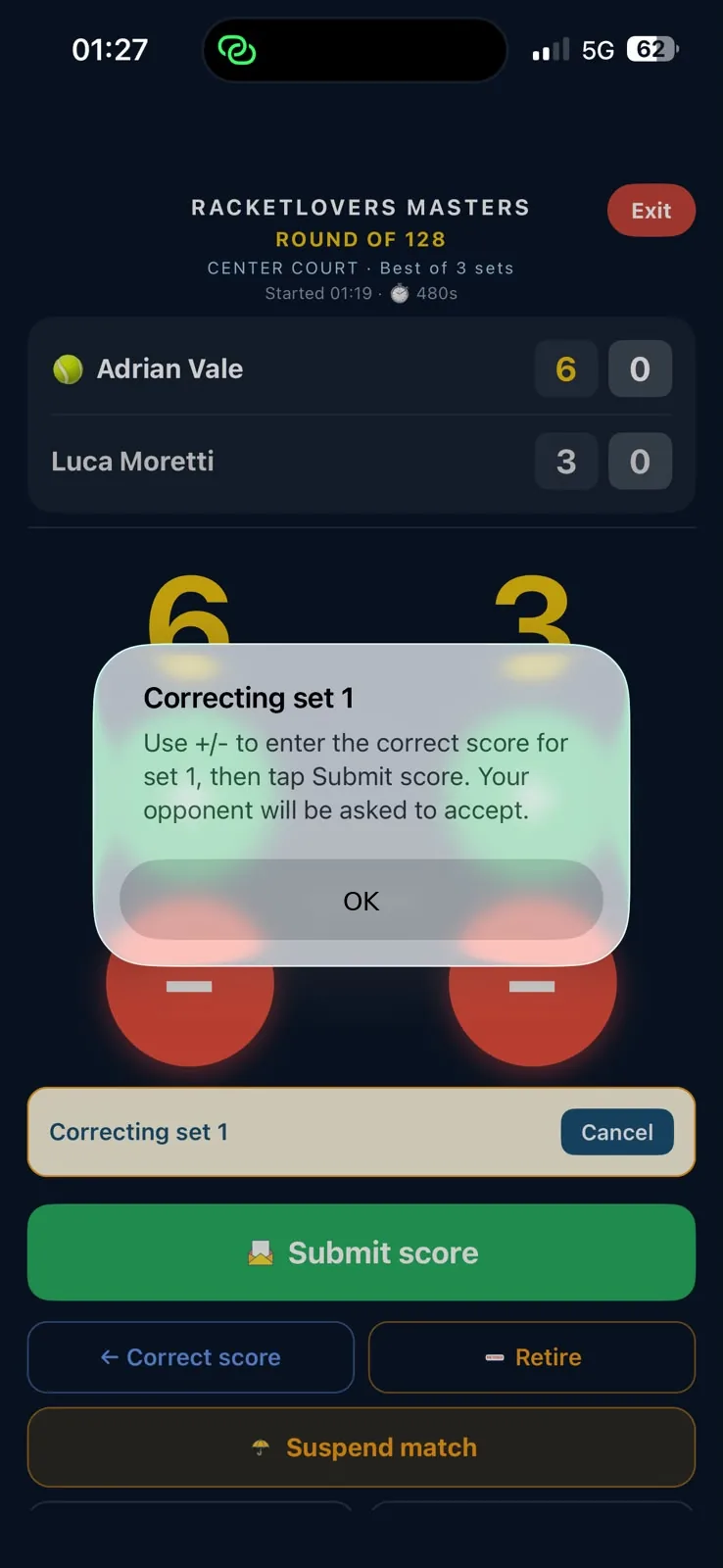
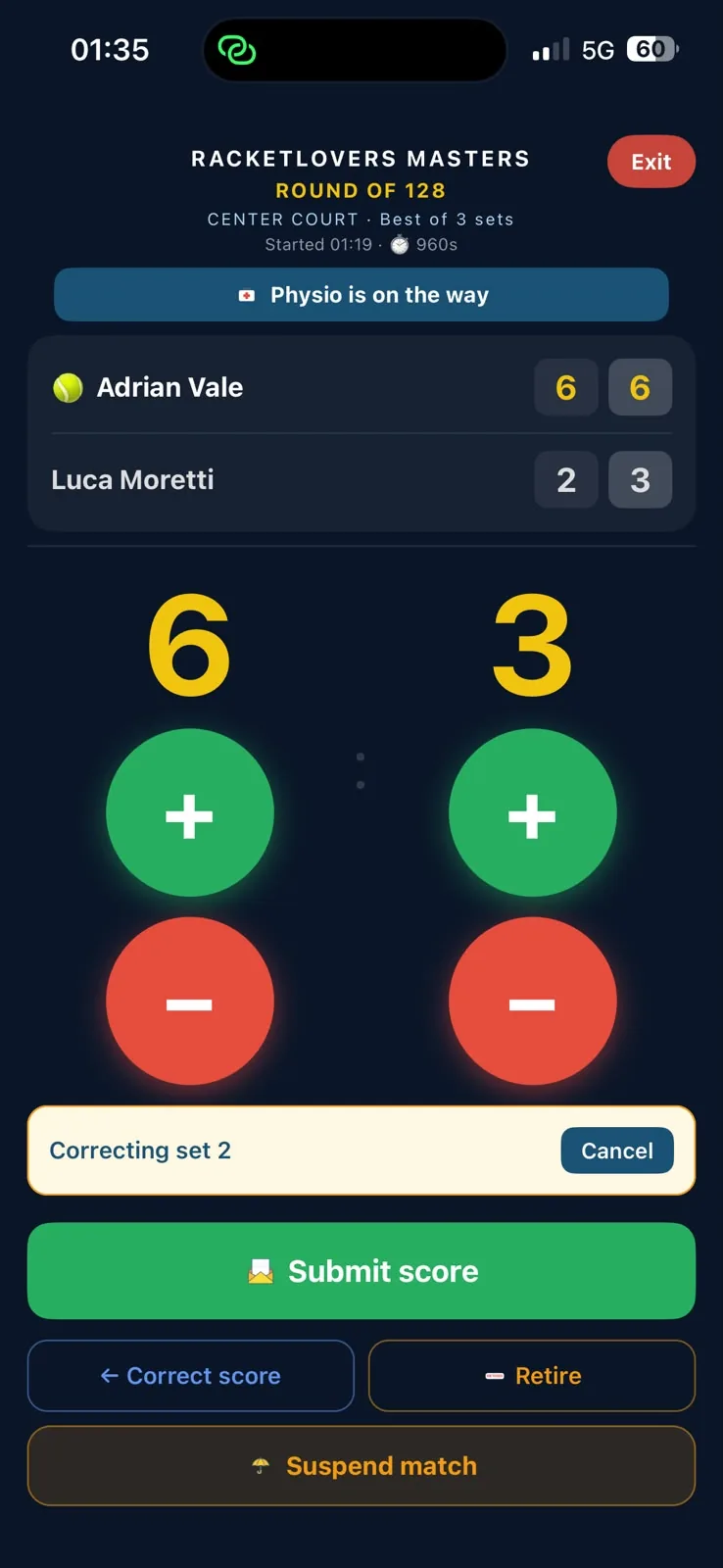
Correct Score

Made a mistake during the match? Use Correct Score to fix the current score without breaking the match flow.

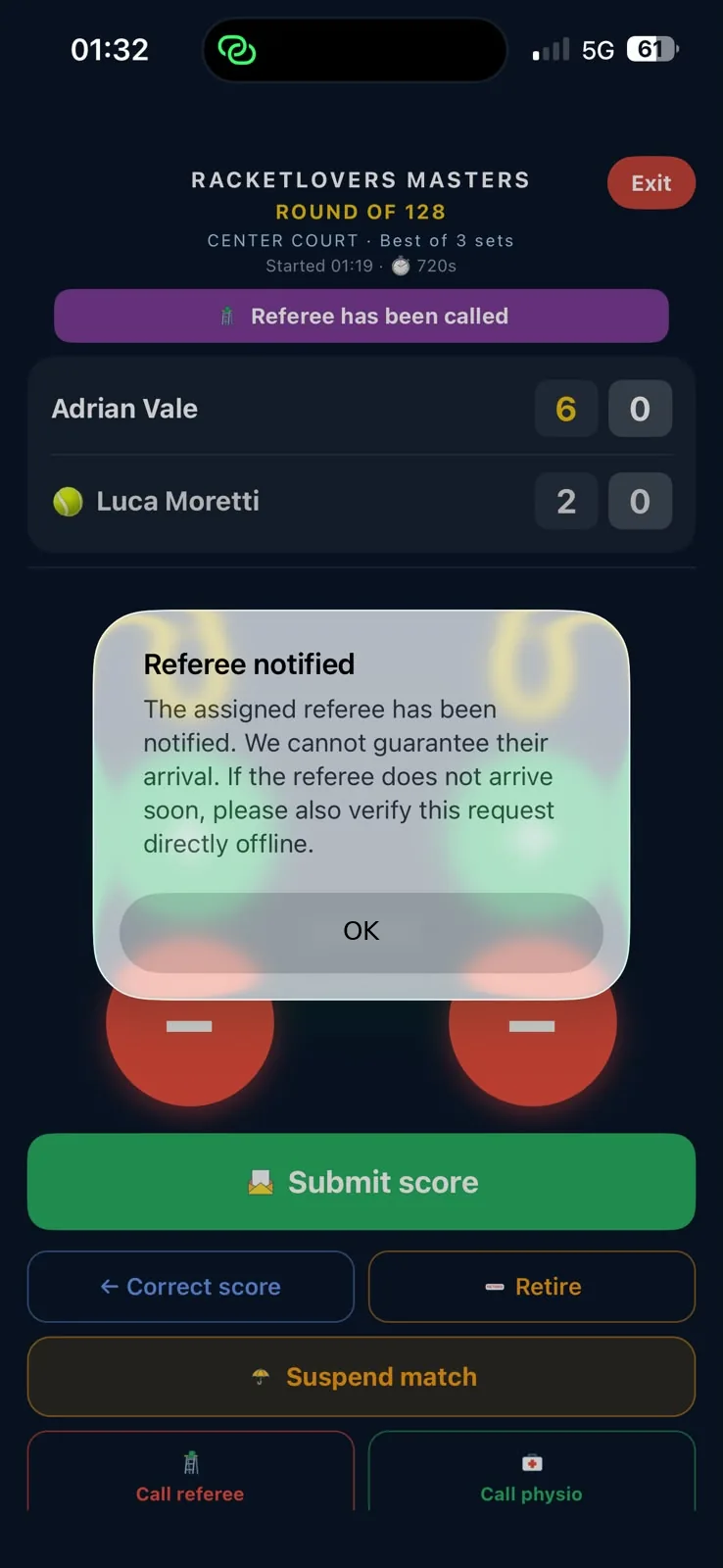
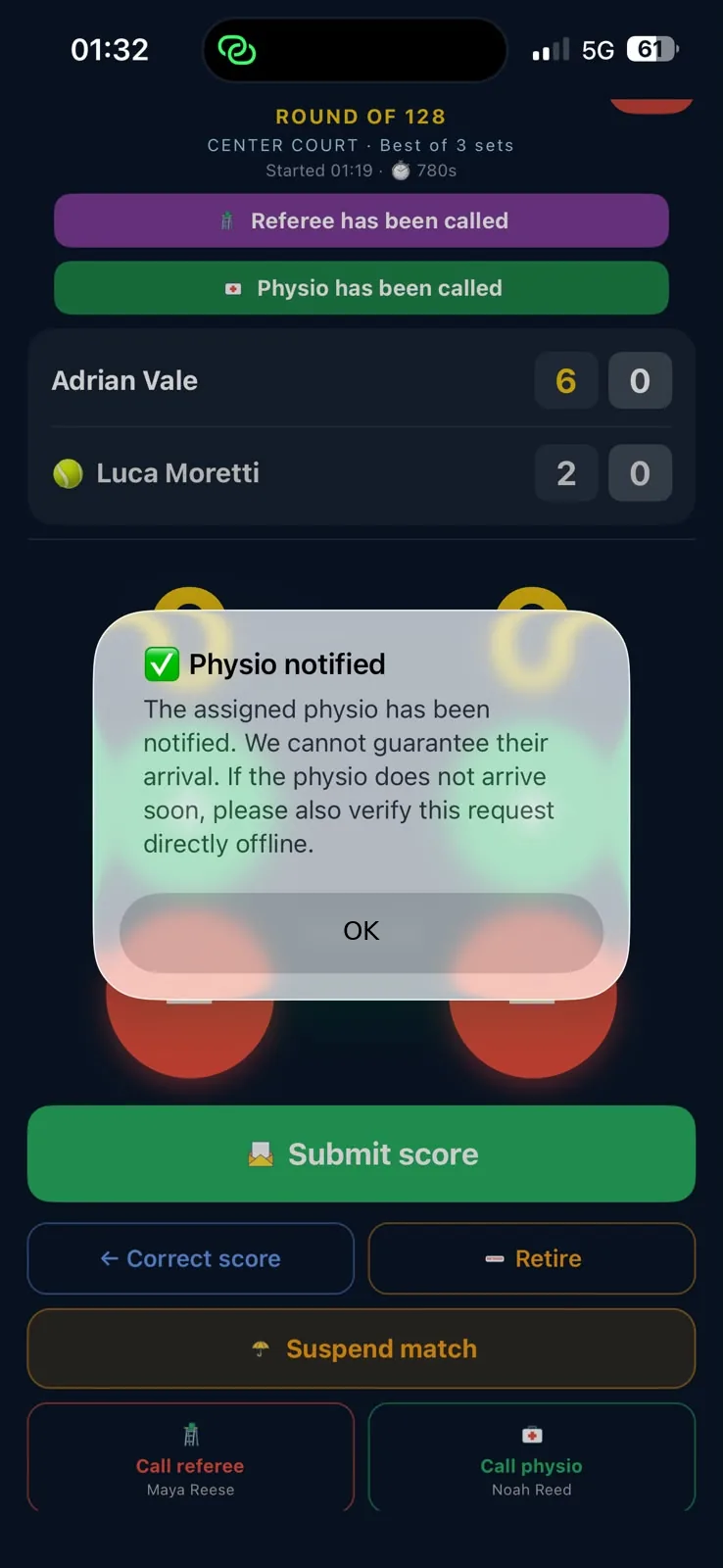
Court support

Need help on court? Call an assigned referee or physio directly from the match screen.

Who serves first dialog in Racketlovers asking which player serves first after the toss
Correcting set 1 dialog on the Racketlovers scoring screen explaining that the opponent will be asked to accept
Racketlovers scoring screen correcting set 2 with the match at 6-2, 6-3
Referee notified confirmation on the Racketlovers match screen
Physio notified confirmation with referee and physio called banners on the Racketlovers match screen
Step 05

Share the result

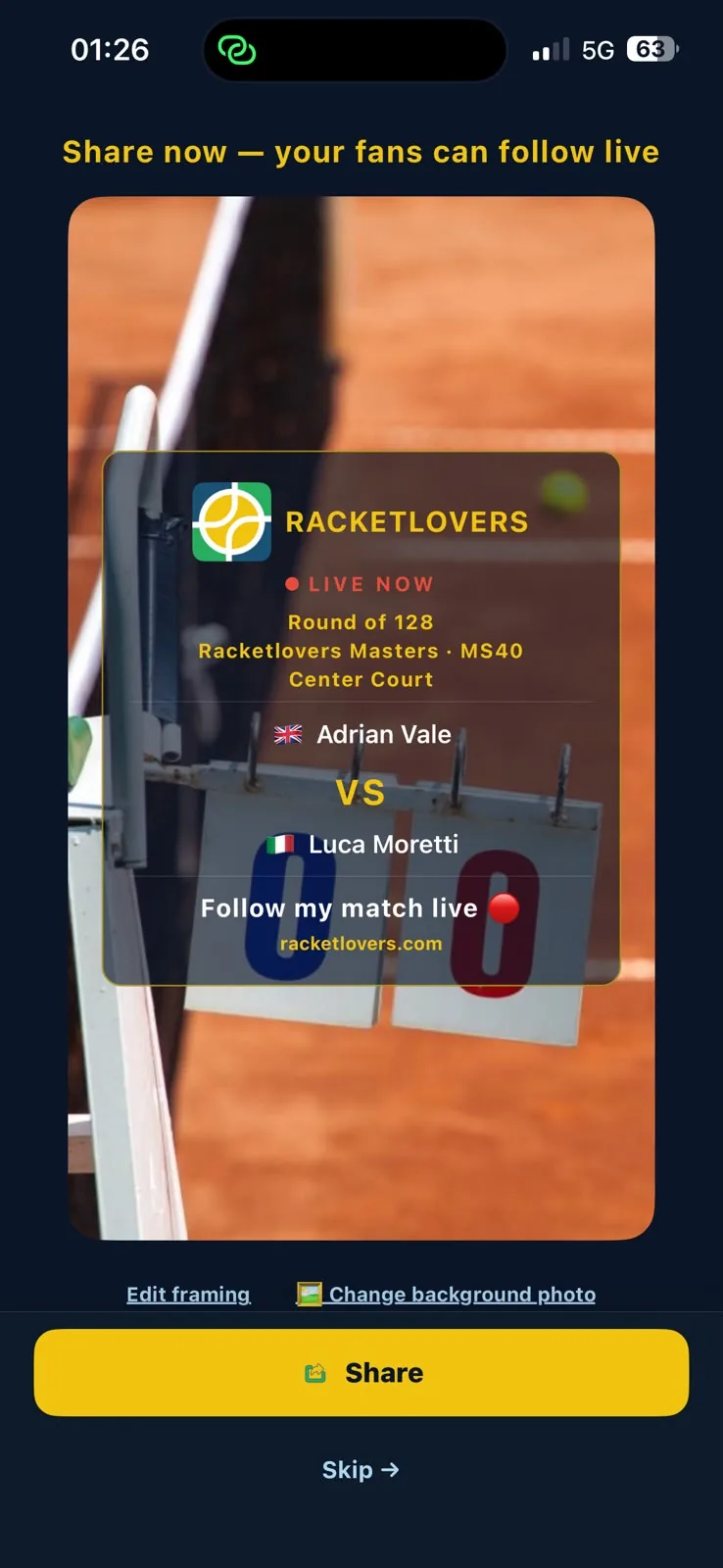
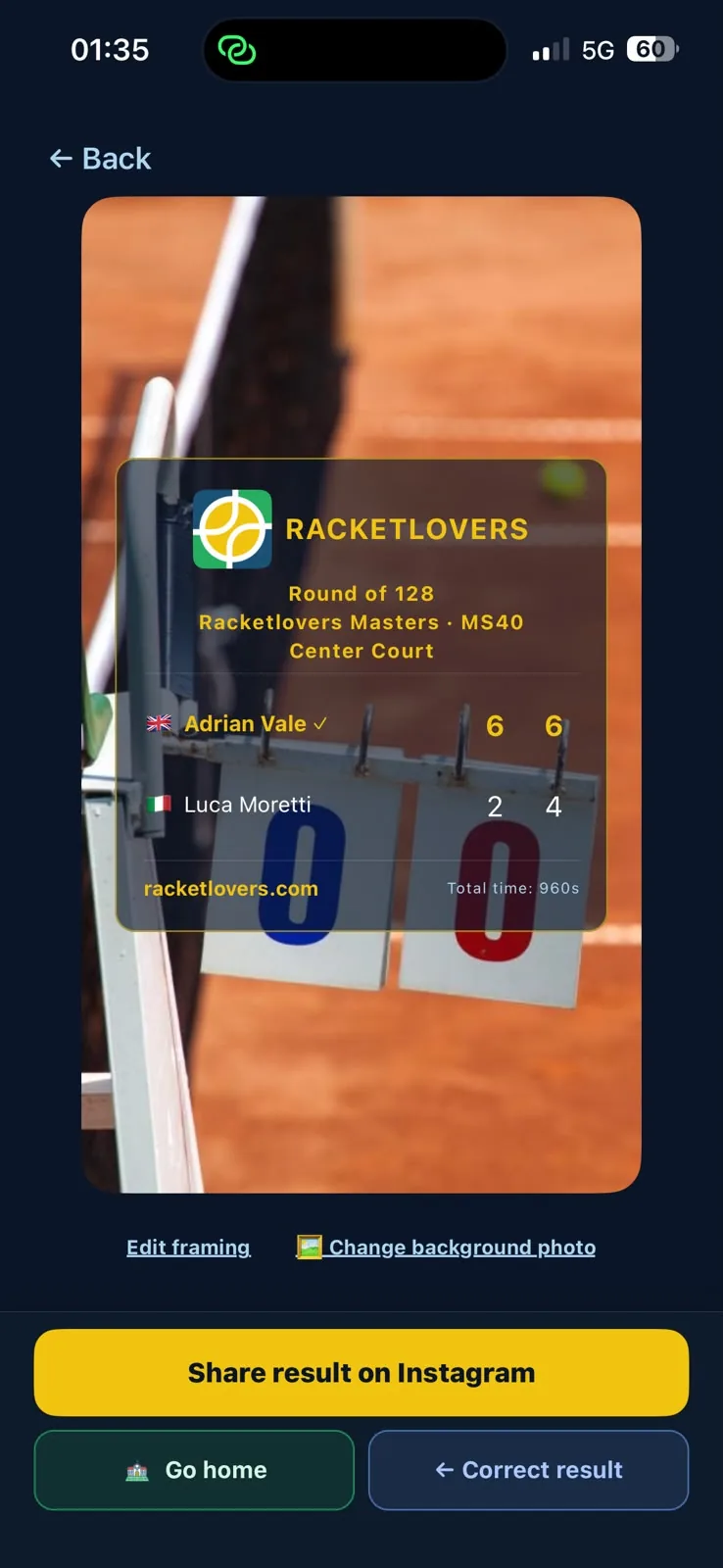
When the match ends, the same card returns with the final score — ready to review and share. One tap to Instagram.

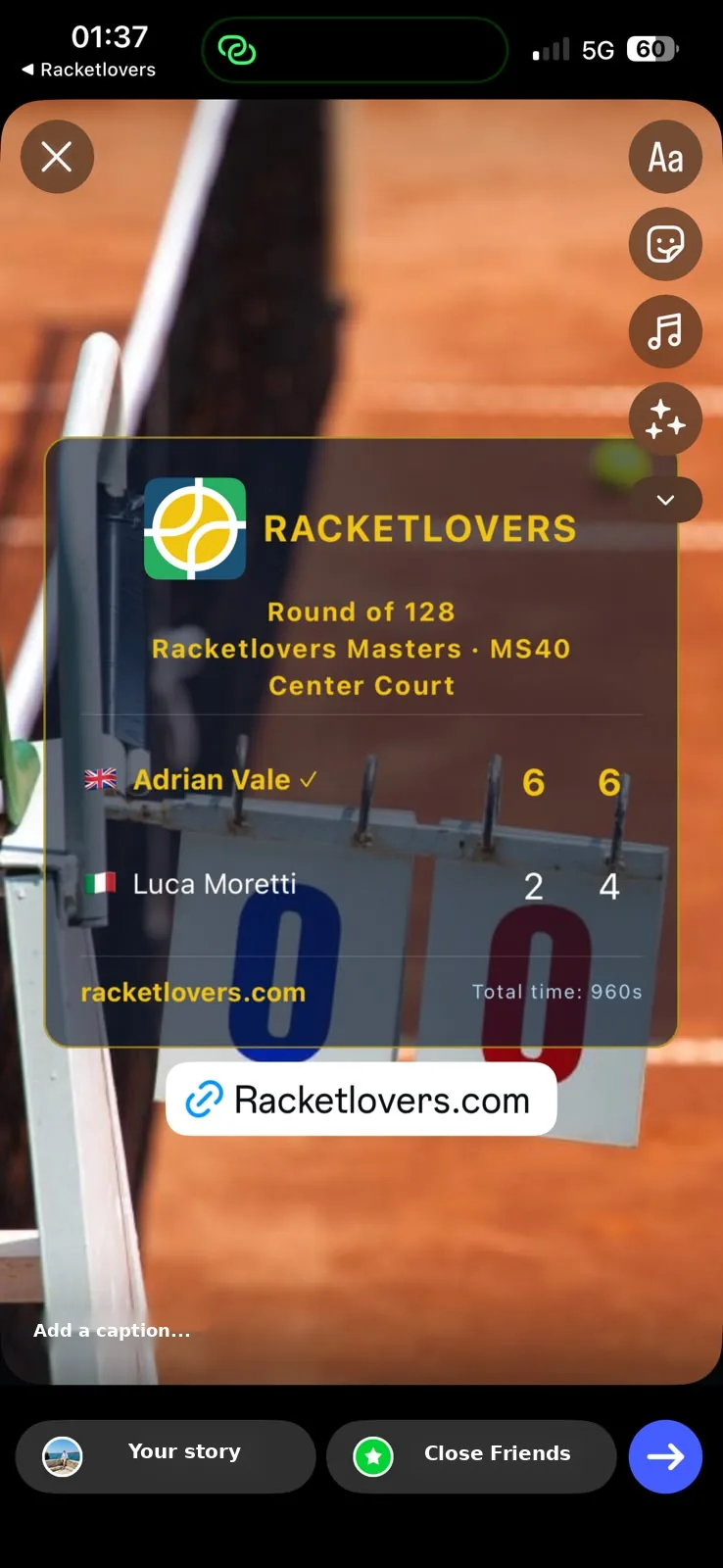
If something needs fixing, correct the final result before you publish it — then the card goes straight to your Instagram Story.

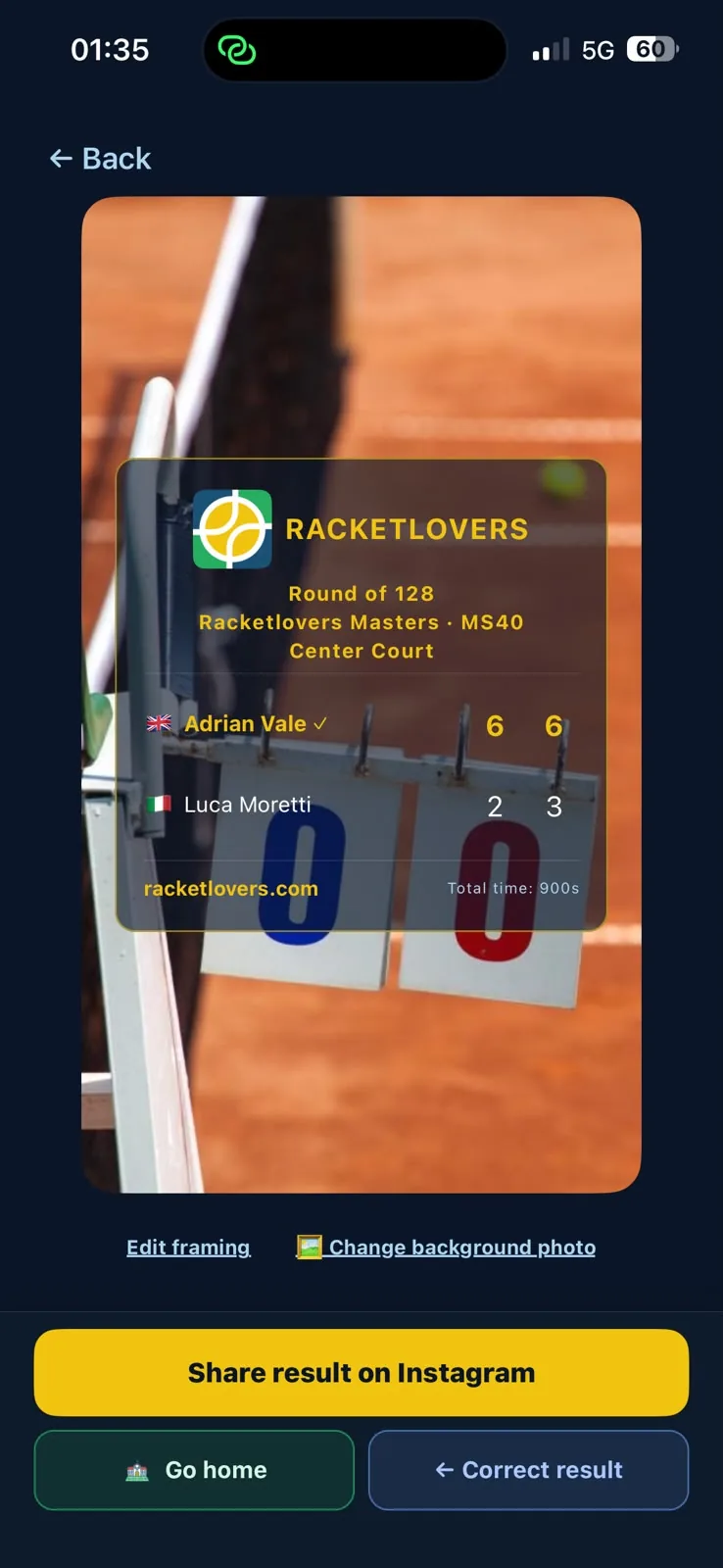
Racketlovers final result card showing a 6-2, 6-4 win over a clay court photo, ready to share on Instagram

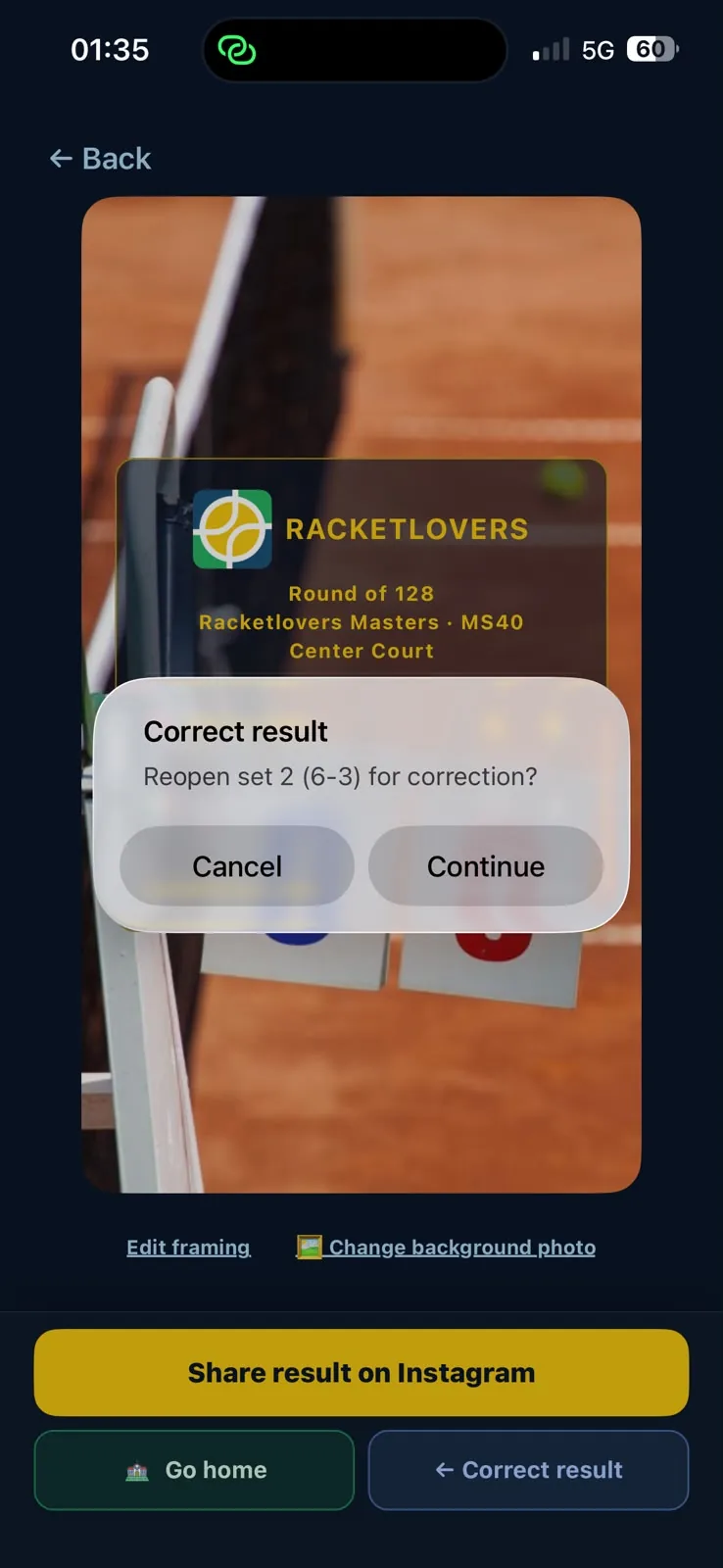
Correct Result

Need to fix the final score? Use Correct Result before sharing.

Change background photo

The result card takes your own photo too — swap the background before it goes out.

Finished match screen in Racketlovers with the final score, Share result on Instagram, Go home and Correct result
Correct result dialog in Racketlovers asking to reopen set 2 for correction
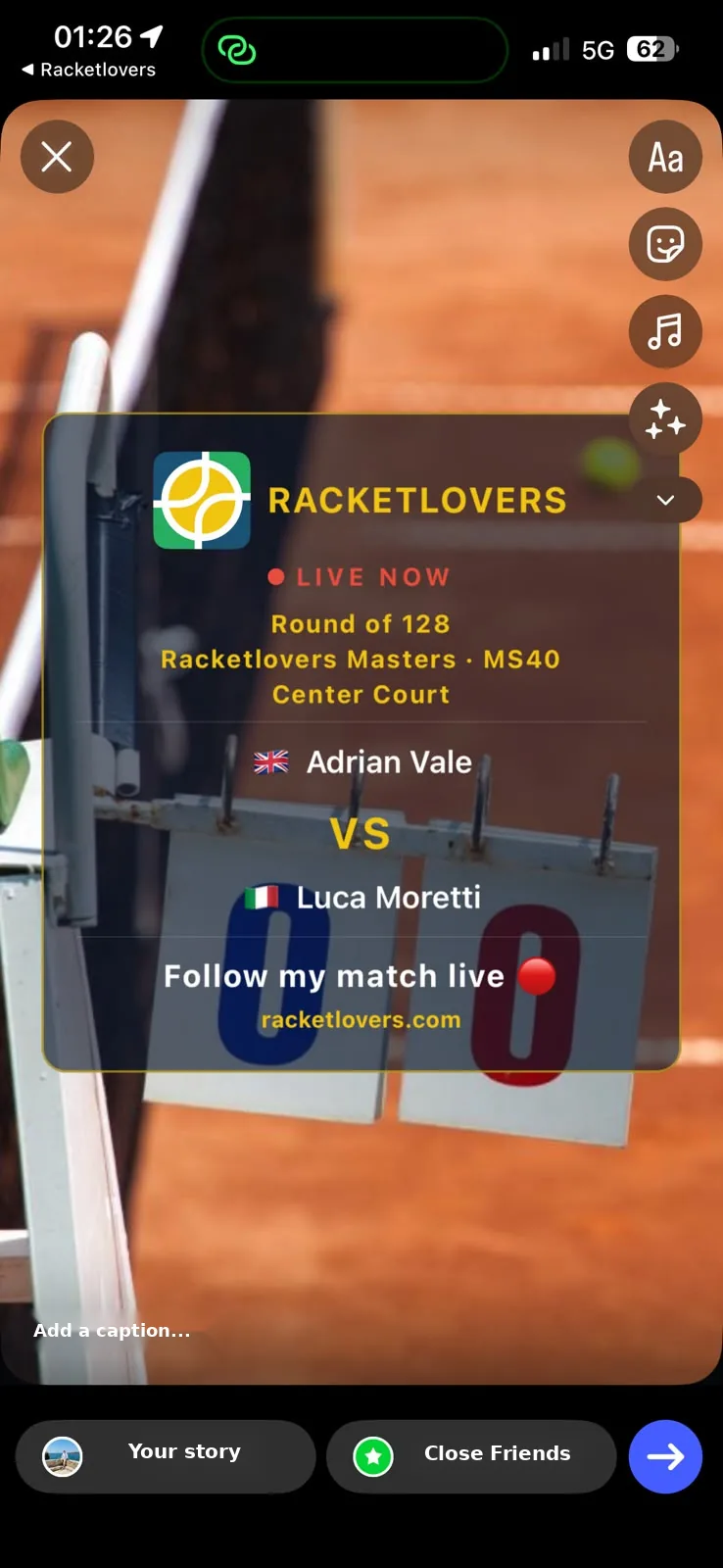
Racketlovers final score card posted to an Instagram Story with a racketlovers.com link sticker

Back on the home screen, the finished match sits with the rest of your record — and the live board carries on with everyone else's. More on formats and scoring rules in the FAQ and the glossary.

Be the Umpire of Your Own Match.

Download Racketlovers and start scoring your matches live today.